![TAL_logo.png]](https://help.talention.com/hs-fs/hubfs/TAL_logo.png?height=40&name=TAL_logo.png)
Booking Overview
The Bookings menu provides a complete overview of all bookings created within the system.

Filters can be added using the “+” icon on the left-hand side to narrow down the booking list. In addition, the columns displayed in the list can be customized by selecting the gear icon in the top right corner.

This opens a configuration view where visible columns can be removed by clicking the “ ” icon. Available columns can be added by dragging them into the visible columns area. Any changes must be confirmed by clicking the “Save” button.

Opening a Booking
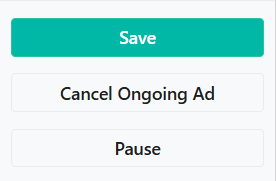
Selecting an existing booking from the overview opens the corresponding channel configuration within the campaign. Depending on the current status of the booking, actions such as booking, canceling, or editing may be available. These options are displayed on the left side of the view.
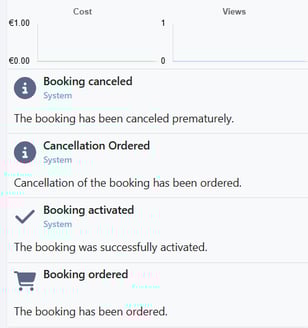
The central area shows a preview of the job posting, while the right-hand side displays additional information such as booking details and performance metrics in relation to the associated costs.